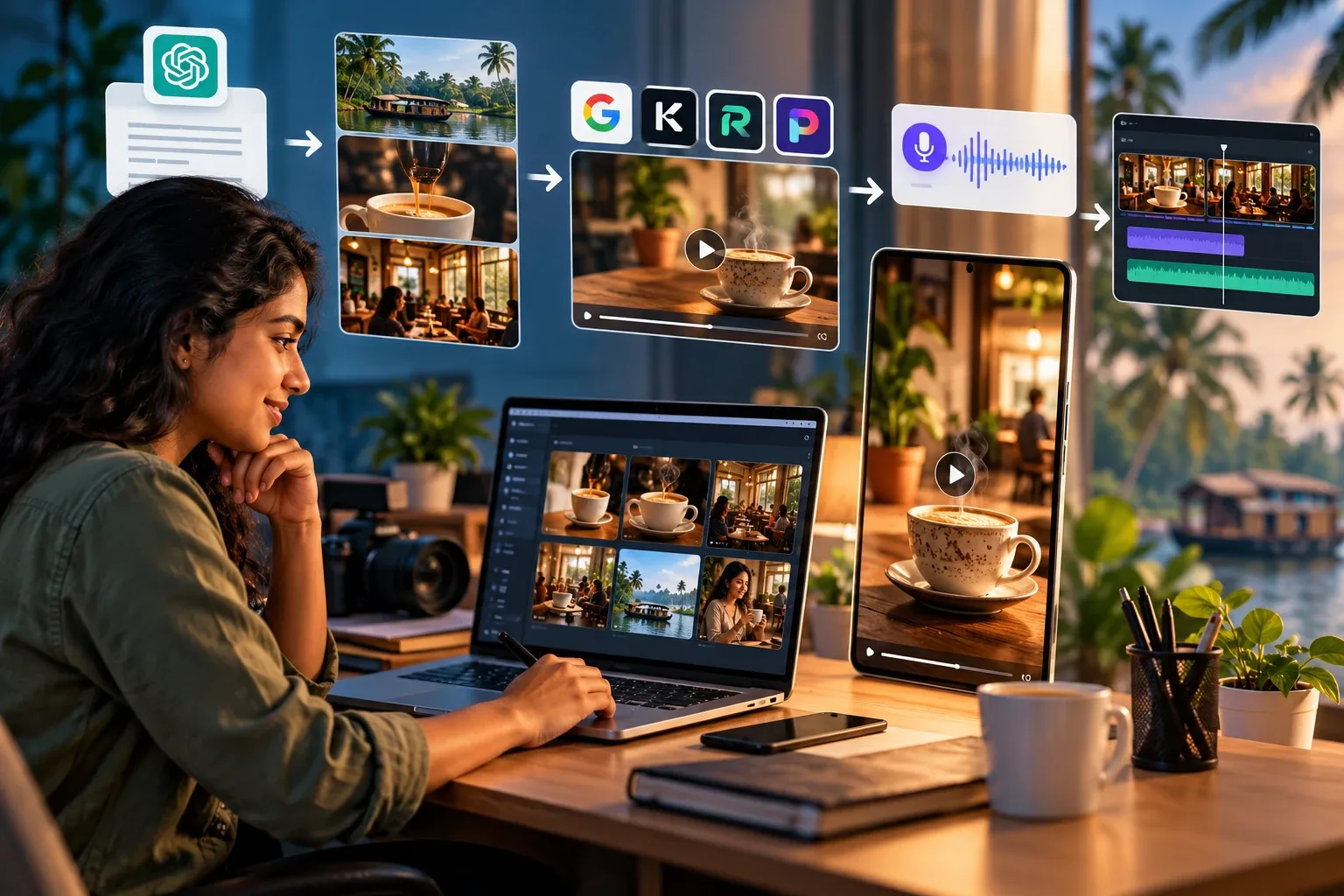
Quick answer: AI video creation means using AI tools to script, generate, voice, caption and edit videos. With it you can make Instagram Reels and YouTube Shorts, product ads, WhatsApp video replies, training videos and Malayalam explainers without a camera crew. Once you learn it, you can grow your own business, make your current job easier, or take on paid video work for clients in Kerala, the Gulf and anywhere online.
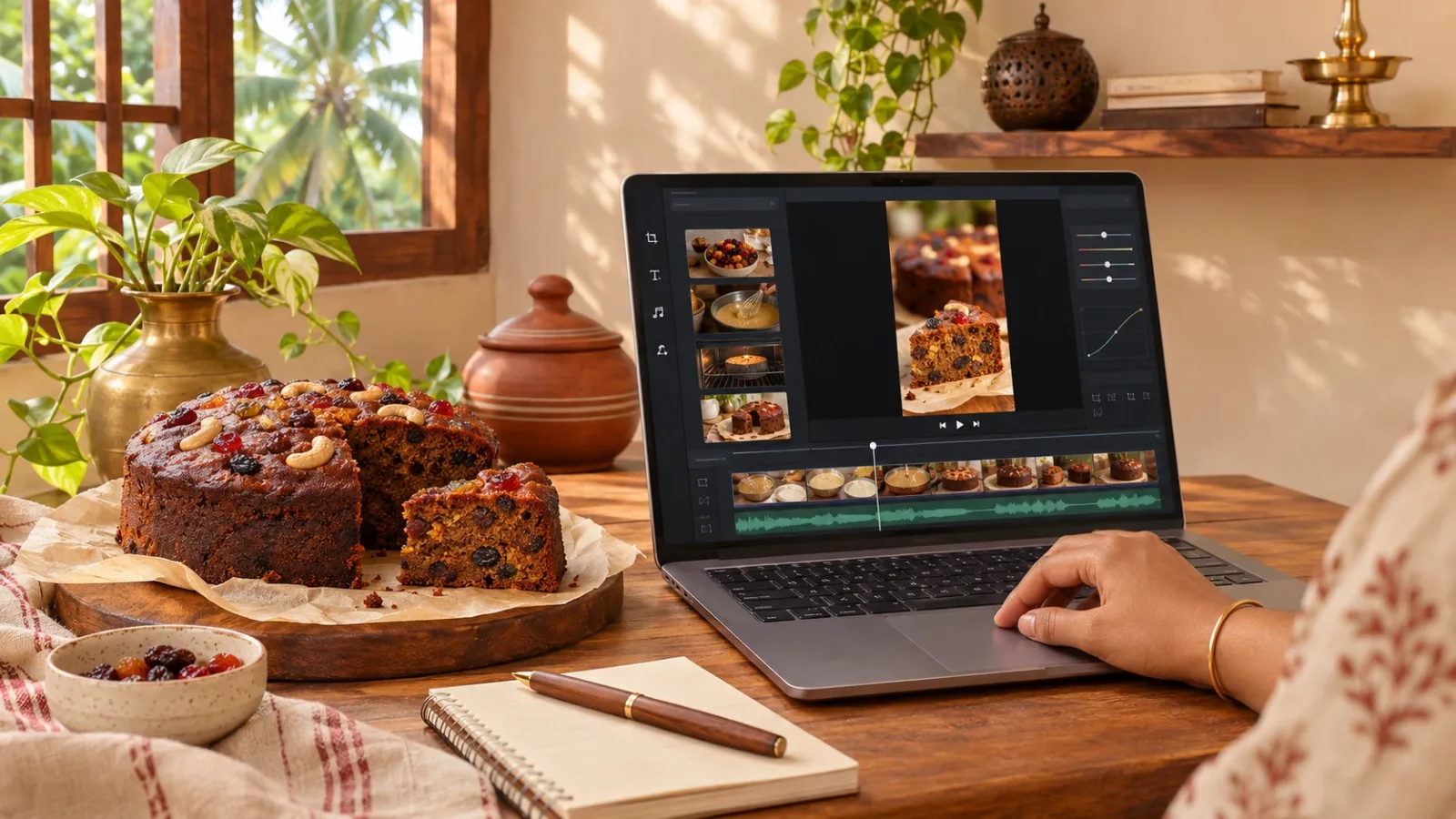
Imagine a home baker in Kochi opening Christmas orders. She has a photo of her plum cake, a phone clip of the first slice and a WhatsApp number for bookings. With those same materials, she could make a reel people want to share, an ad for customers in her delivery area, and a short video reply to the question she hears every December: "Can you send this as a gift?"
That is the practical benefit of learning AI video creation. AI can help draft a script, turn a long recording into clips, generate visuals and narration, and prepare captions. But generating a clip is the easy part. After more than ten years in film and documentary editing, the lesson I keep coming back to is this: the skill worth developing is knowing what the viewer needs to see or hear before they can act. That is what businesses pay for, and it is what this guide teaches.
Below you will find what AI video creation includes today, seven practical ways to use it, a five-level path from your own reels to paid client work, ideas for Kerala businesses, how to make Malayalam videos that sound natural, pricing basics, India's AI content rules, and how to learn AI video creation online in Malayalam.
What is AI video creation?
Quick answer: it is not one tool but five families of tools that creators combine: generative video, avatar video, AI voice, AI-assisted editing and code-driven video.
- Generative video (text-to-video and image-to-video): describe a scene or upload a photo and the model creates moving footage. At the time of writing, popular choices include Google Veo 3.1, Kling 3.0, Runway Gen-4.5 and Seedance 2.0. Veo is known for realistic footage with built-in audio, Kling is widely seen as good value for money, and Runway for creative control.
- Avatar and talking-head video: tools like HeyGen and Synthesia turn a script into a presenter video, using a stock avatar or a digital twin of a real person who has given consent.
- AI voice: tools such as ElevenLabs create narration, voice clones and dubbing. Voice is often the biggest quality upgrade in a video.
- AI-assisted editing: auto captions, silence removal, background blur, vertical reframing and B-roll suggestions inside editors like CapCut.
- Code-driven and agentic video: an AI agent such as Claude Code assembles footage, captions, logos and music into a finished video, and can repeat it for 30 videos as easily as one. This is where AI video meets automation.
Learn skills, not just tools. On 24 March 2026, OpenAI announced it was discontinuing Sora, its much-discussed video app and API, about six months after the app launched. Creators who had built everything around one app had to start again. Scripting, storyboarding, prompting, editing, voice and brand consistency transfer to whichever tool leads next year.
1. Create reels from something you already know
Quick answer: start with knowledge you already have and film the useful moment; you don't need to be on camera.
A gardener knows exactly where to cut a money plant for propagation. A maths tutor knows the step where students lose a mark. Either idea can become a useful Instagram Reel or YouTube Short, even if the creator prefers to stay off camera. Film the hands making the cut or record the calculation on screen, then use AI to shorten the explanation and draft captions.
If you already teach, host a podcast or run workshops, start with a recording. Find one audience question and cut a clip with enough context to understand the answer. A baking workshop might give you a short called "Why did my plum cake crumble when I sliced it?" Keep the moment the baker shows the texture. That detail gives someone a reason to save the reel.
My advice from the edit suite: cut in late and leave early. Start on the moment the answer begins, not on the greeting, and end as soon as the point lands.
2. Make product reels and ads that answer customer questions
Quick answer: decide which customer question each video answers before you open the editor. That choice changes the opening shot, the script and how you measure the result.
Here is how the Kochi baker could plan three videos from the same product:
For the ad, try two openings with the same offer: one shows the slice, the other shows the gift box being opened. If gifting is the selling point, compare the orders each version brings, not just the views. AI makes producing these variations quick, which is exactly why businesses running Meta and YouTube ads value AI video skills. Use real product footage in both so customers see what will actually arrive.
3. Make Malayalam videos that sound like someone your audience knows
Quick answer: write the script in Malayalam instead of translating it, listen to every AI voice line, and check captions with the sound off.
This is where most international AI video guides stop being useful, and where Kerala creators have a real advantage.
A caption that reads well in English can sound stiff when translated word for word. Start with what a customer actually says. A bakery reel could open with "ക്രിസ്മസിന് വീട്ടിലേക്ക് കേക്ക് അയച്ചാലോ?" ("How about sending a cake home for Christmas?"). For Malayalis ordering from Dubai, Doha or Riyadh, the next shot could show how to arrange delivery to family in Kochi. A local buyer might prefer the pickup location and opening hours. Same product, two audiences, two versions.
A few checks make Malayalam AI videos feel natural:
- Write the script in Malayalam, do not translate it. Use natural phrasing and the Malayalam and English mix your audience really speaks.
- Listen to every AI voice line. Many voices still mispronounce Malayalam words, shop names and place names. Spell tricky words phonetically, or record the key lines yourself.
- Check lip sync on avatars. Short sentences help, and close review catches the rest.
- Watch once with the sound off. Can you read the Malayalam captions before they disappear? Is the order deadline still clear? Many viewers scroll without sound.
4. Use AI video skills in your current job
Quick answer: turn a question you answer every week into a short video, then test it on one colleague.
Think of a question you answered three times last week. A sales executive could show how a product fits together. A trainer could record the part of a lesson that learners ask to see again. An office administrator could turn a screen recording into a short onboarding video with a Malayalam voice-over and English labels that match the software.
Give the video to one colleague and ask them to try the task. If they pause at the same screen you normally explain in person, that is the shot to slow down or narrate again. Now you have a simple way to judge whether the video made the job easier, and a skill your employer will notice.
5. Earn from AI video creation: from reels to paid client work
Quick answer: move up one level at a time, from your own reels to repurposing, ad creatives, explainers and finally monthly retainers, and sell each piece of work with a clear scope.
Most beginners stay stuck posting their own reels because they keep chasing new tools. Here is a path from personal practice to steady client work:
Sell a defined piece of work
Clients buy clarity. A textile showroom owner can easily say yes to "I will turn your new collection footage into two Malayalam reels for Friday's launch," because they know what to send, what they will receive and when they can publish. Four services work well:
- One-off project: a launch reel, event invite or short product demo. Agree on length, language, deadline and revisions before quoting.
- Repurposing existing content: turn a trainer's recorded workshop into captioned clips, each with a title and a suggested opening frame.
- Monthly video package: for a shop with regular new arrivals, agree on a set number of videos, a footage deadline and one person who approves each batch. A reusable layout saves editing time all month.
- Automated video system: for example, new product photos land in a Google Drive folder, an automation built with n8n or an AI agent turns each into a branded short video, and it reaches the client on WhatsApp for approval. That is a monthly retainer, not a one-time job.
How much can you charge?
There is no fixed rate card. As a reference, freelance guides published in 2026 put beginner short-form AI video at roughly US$150 to US$300 per video for international clients (Fueler, Playcut), and marketplace gigs often start lower. Local Kerala rates for small businesses are usually lower again, while Gulf and corporate clients often pay more. These are reference points, not a promise of what you will earn.
When you price, count scripting, editing, generation credits, music licensing, caption checks and revision time. Those costs matter as much on a 20-second ad as on a longer video. Agree the number of revisions in writing, price the outcome (more enquiries, a successful launch), and prefer monthly packages over single videos.
Build your first portfolio piece
Use footage you own or have permission to edit. Put the brief beside the finished reel and explain one decision, such as opening on the saree border because customers ask to see the weaving up close. One well-explained piece convinces more clients than ten random clips.
12 AI video ideas for Kerala businesses
- Textile and silk showrooms: new arrivals, Onam, Vishu and wedding-season collections, saree border close-ups.
- Jewellery shops: collection teasers and weekly offer announcements.
- Real estate and builders: project promos from renders, location highlights, NRI versions for the Gulf.
- Houseboats, homestays and resorts: cabin, dining view and boarding-point clips that answer booking questions.
- Home bakers and caterers: festival orders, gift boxes and menu reels.
- Restaurants and cafes: combo offers, new dishes and festival specials.
- Hospitals, clinics and Ayurveda centres: doctor introductions and patient education videos, reviewed by the medical team before publishing.
- Coaching centres and schools: admission campaigns, results and course explainers.
- Gulf trading and service companies: one promo in Malayalam, English and Arabic.
- Weddings and events: animated invites and save-the-date videos.
- Corporate training: onboarding, safety and SOP videos.
- Personal brands: steady reels for doctors, lawyers, consultants and trainers who know their subject but lack time to edit.
Which AI video projects can you do from home or online?
Quick answer: editing, narration, captions and product reels can all be done from home when the client supplies usable footage, so a creator in Kottayam can serve a shop in Kochi or a company in Dubai.
Agree on who will film anything missing. For an Alappuzha houseboat operator, ask for the actual cabin entrance, the view from the dining table and the boarding point. Those three clips answer a guest's booking questions better than a generic backwater scene.
Send a short script or rough cut for approval before polishing. The client can correct the boarding point or the pronunciation of the boat's name while the change is still quick to make.
A simple AI video workflow that clients trust
Quick answer: brief, script, storyboard, visuals, voice and music, edit, compliance check, then deliver and measure.
- Brief: goal, audience, platform, offer, deadline and one clear call to action.
- Script: a strong hook in the first two seconds, one idea, a clear ending.
- Storyboard: a shot list, so AI generations are planned rather than random.
- Visuals: real footage where trust matters, with AI for B-roll, motion and scenes you cannot shoot.
- Voice and music: your own voice, the client's voice with consent, or AI voice, plus licensed music only.
- Edit and brand: logo, colours, fonts, captions and a consistent intro and outro.
- Compliance check: AI disclosure, permissions and no misleading claims.
- Deliver and measure: the right format for each platform, then track saves, enquiries and orders.
A good rule: use AI for scale, keep humans for trust. The best business videos are often hybrids, with a real person or real product on screen and AI handling editing, captions, B-roll and language versions. For the step-by-step version of this workflow, with tools and prompts, read my guide to creating AI videos.
India's AI video rules and ethics you must follow
Quick answer: since 20 February 2026, AI-generated content on platforms in India must be clearly labelled. Beyond the law, never use anyone's face or voice without written consent, and never pass off AI people as real customers.
- AI content labelling: the Information Technology (Intermediary Guidelines and Digital Media Ethics Code) Amendment Rules, 2026, notified by MeitY on 10 February 2026 and in force from 20 February 2026, define "synthetically generated information" and require it to be clearly and prominently labelled. Large social media platforms must also ask users to declare AI content when they upload (MediaNama, DSCI). Declare AI content honestly when you publish for a client.
- Consent for faces and voices: never clone anyone's face or voice without written permission, including the client's own staff.
- No fake testimonials: never present AI people as real customers.
- Copyright and brands: no celebrity likeness, film clips, copyrighted characters or unlicensed music.
- Commercial rights: many free plans forbid commercial use or add watermarks. Use paid plans for client work.
- Sensitive sectors: health, finance and education claims need the client's approval before publishing.
This is general information, not legal advice.
Common mistakes beginners make
- Chasing every new tool instead of mastering one complete workflow.
- Skipping the script and hoping the visuals carry the video.
- Making everything look obviously AI when the client needed trust.
- Ignoring Malayalam pronunciation and caption timing.
- Inconsistent branding from one video to the next.
- Underpricing, then burning out on unlimited revisions.
Who can learn AI video creation?
Quick answer: anyone with something worth showing. You don't need a media degree, coding knowledge or editing experience to start.
A student can make a college event reel, a homemaker can demonstrate a product from a home business, a shop owner can promote new arrivals, a working professional can build a side income, a Malayali in the Gulf can serve clients back home online, and a retired teacher can explain a lesson in Malayalam. Each already has something worth showing.
For a first project, open your WhatsApp inbox and find one question a customer, colleague or student keeps asking. Make a short video that answers it. Send it the next time someone asks and see whether they can take the next step. Their response tells you what to improve in your second video.
Learn AI video creation online in Malayalam
Quick answer: Brain Cyber Solutions runs a 15-day live online AI Video Creation Course (MCAIV) in Malayalam under its Maattam brand, and I lead it.
To make that first project on your own, follow my step-by-step guide to creating AI videos.
If you prefer live instruction, the AI Video Creation Course in Malayalam (MCAIV) runs for 15 days, live online, with recordings for revision. It covers content strategy and storytelling, scripting, AI images, AI video for reels and faceless content, Malayalam and multilingual voiceovers, editing and captions, and personal branding, with portfolio projects at every stage. You earn the MCAIV (Maattam Certified AI Video Creator) credential. The current batch fee is Rs. 6,000 + GST (regular fee Rs. 9,000 + GST). Because it is online and taught in Malayalam, you can join from anywhere in Kerala or from the Gulf.
Brain Cyber Solutions is a Digital Growth, AI & Automation Company headquartered in Edappally, Ernakulam, working in search, marketing and business systems since 2005. If you want to turn your videos into automated systems, the AI Business Automation Course (MCAIS) teaches n8n workflows in Malayalam. And if you would rather have the videos made for you, see our AI content and video service.
Frequently asked questions
Is there an AI video creation course in Malayalam?
Yes. Brain Cyber Solutions runs the 15-day live online AI Video Creation Course (MCAIV) in Malayalam under its Maattam brand, covering scripting, reels, AI video, voice generation and editing. You can join online from Kerala, the Gulf or anywhere else.
Can I learn AI video creation without editing experience?
Yes. Most AI video tools are beginner friendly. What you need most is practice with scripting and storytelling, so start by answering one real customer or student question in a short video.
Start with one generative video tool (such as Kling or Veo), one voice tool (such as ElevenLabs) and one editor (such as CapCut). Learn the full workflow on these before adding more.
Can AI create videos in Malayalam?
Yes. Many AI voice, avatar and caption tools now handle Malayalam, but quality varies. Write the script in Malayalam, check the pronunciation of names and places, and review captions with the sound off.
Can I earn from AI video creation from home in Kerala?
It is possible. Editing, narration, captions and product reels can be done from home when clients send footage. Many creators start with local businesses and later take online clients from the Gulf and other states. Income depends on your skill, portfolio and the clients you find; no course can guarantee it.
Is AI-generated video allowed in ads in India?
Yes, if it is lawful, not misleading and properly disclosed. Since 20 February 2026, India's amended IT Rules require AI-generated content on platforms to be clearly labelled.
Will AI replace video editors?
AI replaces repetitive editing tasks, not the person who understands what the client needs. Editors who add AI generation, voice and automation to their skills can deliver more work and charge for outcomes.
Editorial note: the Kochi baker, the showroom and the houseboat are illustrative examples, not Brain Cyber Solutions client stories. Tool versions are correct as of November 2026 and change quickly.
Sources
- Wikipedia: Sora (text-to-video model), discontinuation announced 24 March 2026)
- MediaNama: MeitY notifies amendments to the IT Rules on synthetic media (February 2026)
- DSCI: IT (Amendment) Rules, 2026
- Fueler: How much to charge as an AI video creator in 2026
- Playcut: How much to charge for AI video (2026 rates)